
Folders like a drive
Nest folders, drag files in from your computer, and see them as a list or a grid of thumbnails. Search and filter by type, person or date.
The business’s own files in folders, laid out like Google Drive, in the office and on the phone.
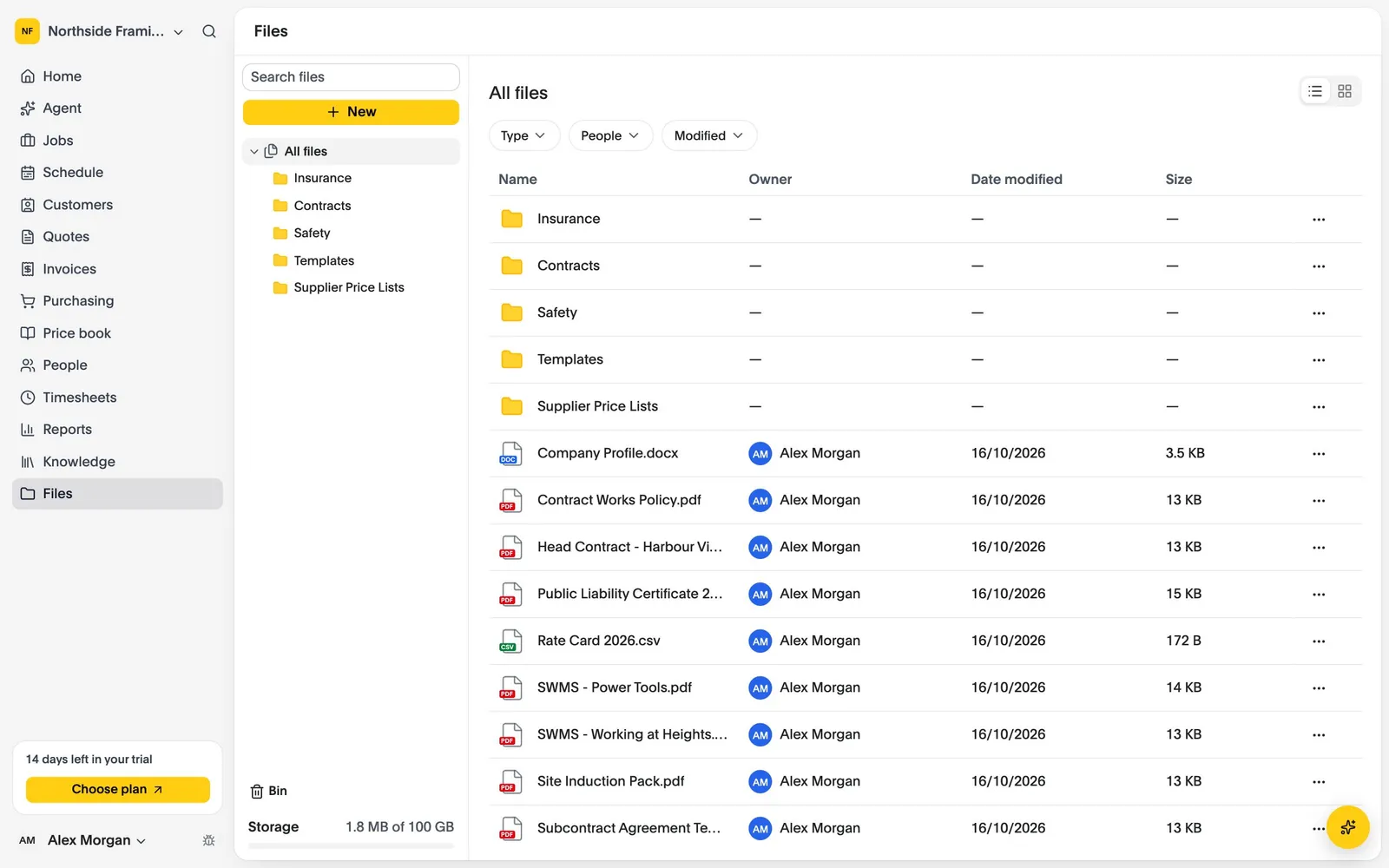
Nest folders, drag files in from your computer, and see them as a list or a grid of thumbnails. Search and filter by type, person or date.
Images, PDFs and text open in a full-screen preview, and the arrow keys step through the rest of the folder.
Deleted files wait in the Bin for 30 days, and can be restored to where they were.
Drop files onto a folder, with a progress bar for each one. Each file can be up to 25 MB.
Create folders, then rename, move and search, one file or a whole selection at once.
Preview and download in the office, or preview and share from the iPhone and Android apps, now in testing.
Last updated October 2026
CREW25 is in invite-only beta. Book a demo to see it with your own trade and jobs.