Your forms
A form builder with every kind of question: text, numbers, yes or no, choices, dates, photos, video and a drawn signature. Or start from a template.
Build your own checklists and safe work method statements, and have the crew fill them in and sign on from their phones.
14-day free trial, no credit card required.
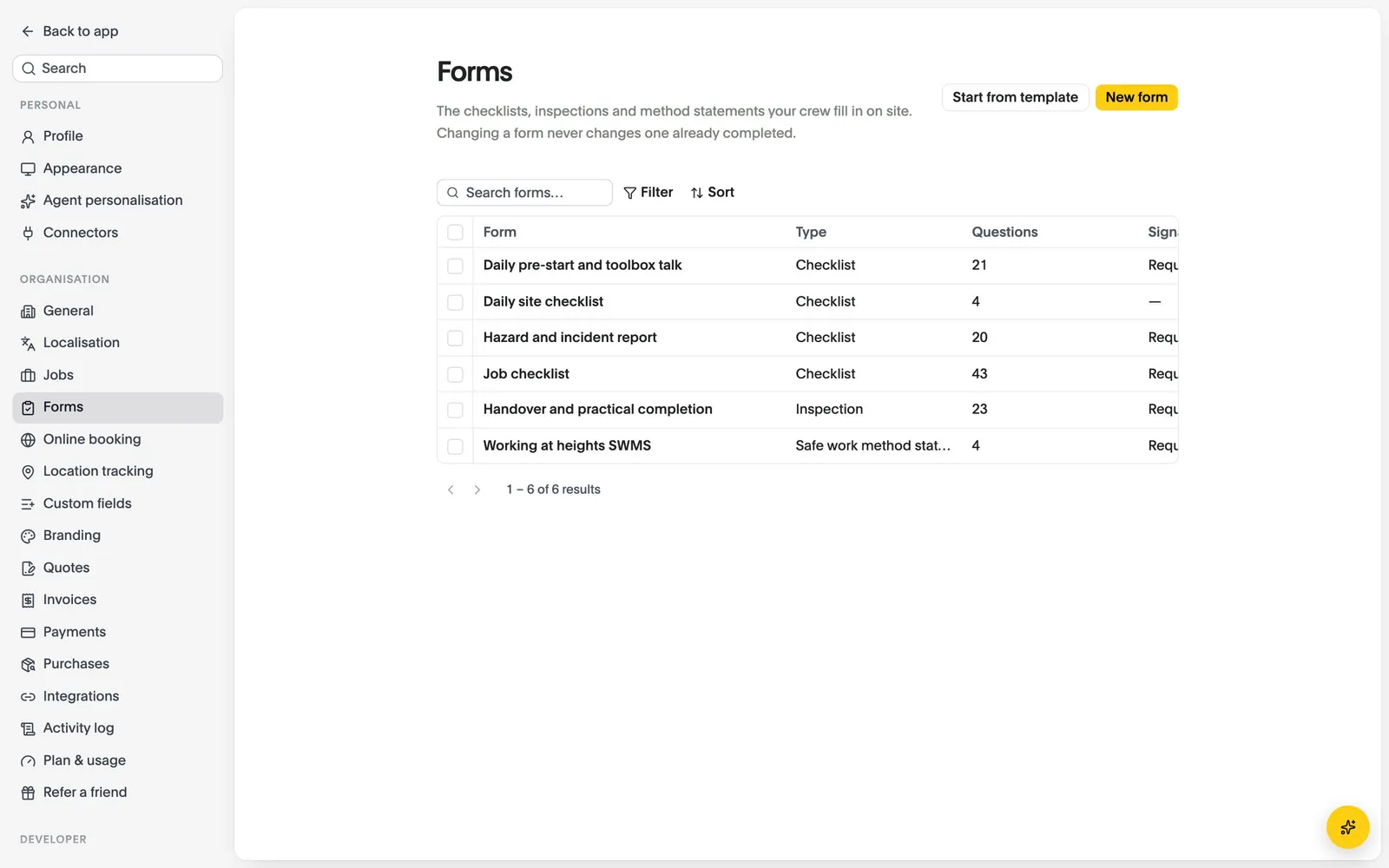
A form builder with every kind of question: text, numbers, yes or no, choices, dates, photos, video and a drawn signature. Or start from a template.
Required forms appear on the crew’s phone before the job, and work with no signal.
What got done and what held it up, with photos, posted on the job day by day.
Drag questions in, mark what is required, and say whether it needs a signature.
Attach forms to jobs, and the crew sees them on their phones before the work starts.
The crew completes it on the phone, and the office sees it on the job.
Compare what each plan includes on the pricing page.
Last updated October 2026
Set up your business, bring your team and run your next jobs in it. No credit card needed.