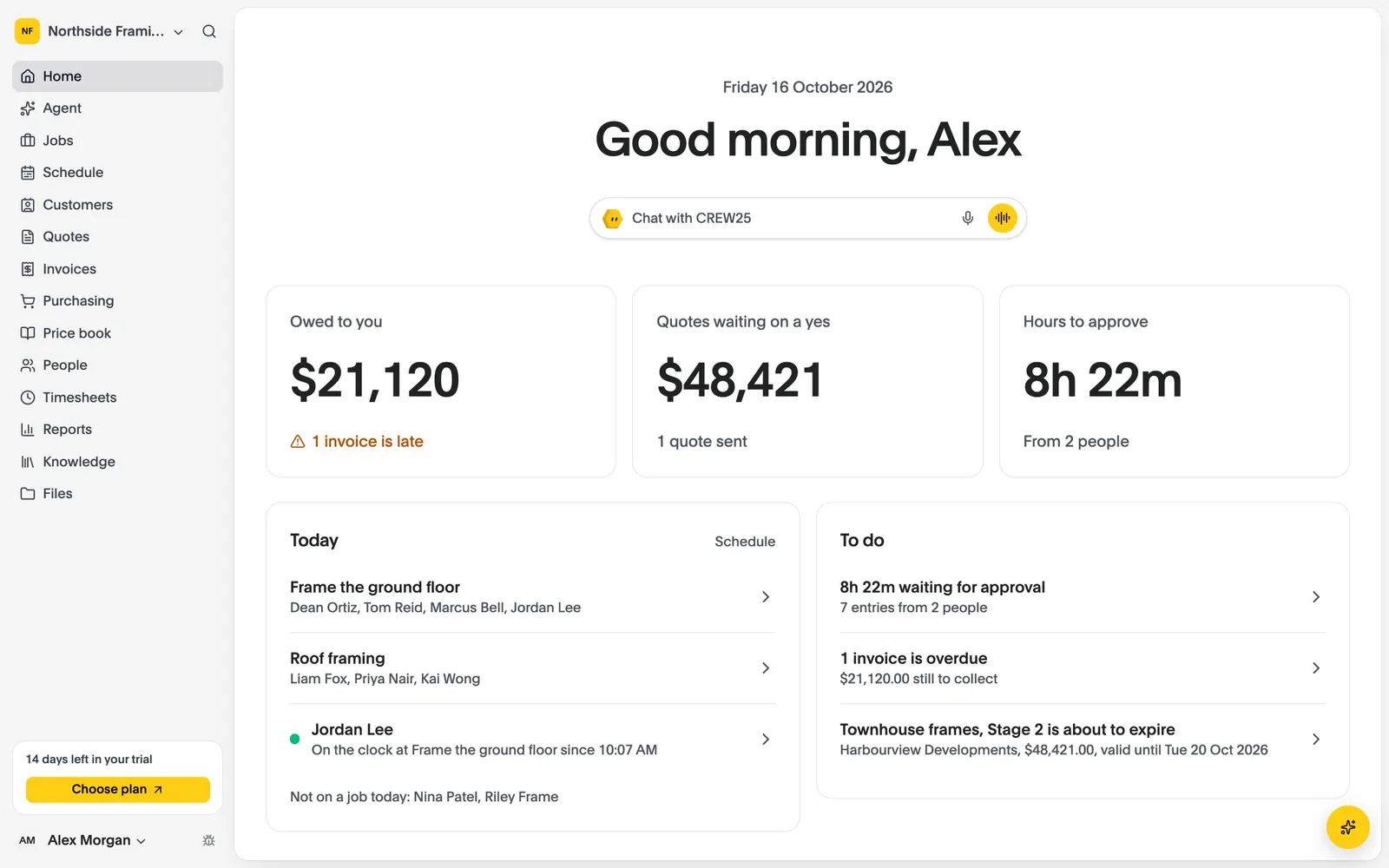
All-in-One Job Management Software for Carpenters and Framers

Carpentry job management software for frame and truss installs, fit-outs, decks and renovations: quote, schedule, track and invoice every carpentry job in one place.

14-day free trial, no credit card required.

Carpentry Software
Carpentry & framing

How CREW25 works for carpenters and framers

  1. 01

    A customer asks for a carpenter

    Requests come in from the booking form on your website, or from an email that lands on the customer in CREW25.

    • Online booking on your website
    • Customer emails on the job
  2. 02

    Quote the frame from the plans and your rates

    Measure walls and roofs from the PDF plans, then ask CREW25 AI to draft the quote from your price book. The customer accepts online.

    • Plan takeoffs
    • Quotes from your price book
    • Online acceptance
  3. 03

    Put the crew on the frame

    Schedule carpenters and framers for days or weeks, move the whole crew when the slab or the weather moves, and everyone is told on their phone.

  4. 04

    Everything on the carpenter’s phone

    Plans, photos and notes on site, with checklists, forms and SWMS for each job, and clock on and off from the job.

    • Photos and notes
    • Checklists and SWMS
    • Clock on and off
  5. 05

    Hours and costs land on the job

    Approved hours, timber orders and supplier bills go straight on the job, so you see the margin on every frame as it goes up.

  6. 06

    Invoice and get paid

    Invoice from the job, take card payments online, and let payment reminders chase the overdue ones. Variations are priced and added to the job as they come up.

    • Card payments
    • Automatic payment reminders
    • Synced with Xero

Popular features for carpenters and framers

Quotes & invoices

Quote it once, from your own rates.

Bring in a takeoff, price it from the price book and send an itemised quote that the customer accepts online.

  • One price book with rate history
  • Itemised and easy to compare
  • Online acceptance
More about quotes & invoices

Quotes & invoices

  • One price book with rate history
  • Itemised and easy to compare
  • Online acceptance
Job costing & reports

See net margin on every frame.

Overheads are applied once, so a job’s margin means the same thing on every job.

  • On-costs and overheads in one place
  • Labour costed by person and date
  • Live margin per job
More about job costing & reports

Job costing & reports

  • On-costs and overheads in one place
  • Labour costed by person and date
  • Live margin per job
Takeoffs

Measure the frame from the plans.

Drop the PDF plans on the job, measure walls by length and height, and price them from a bundle, such as a stud wall per metre.

  • Wall areas from length and height
  • Priced from your bundles
  • Send to quote
More about takeoffs

Takeoffs

  • Wall areas from length and height
  • Priced from your bundles
  • Send to quote

Carpentry & framing software questions

Try CREW25 free for 14 days

Set up your business, bring your team and run your next jobs in it. No credit card needed.