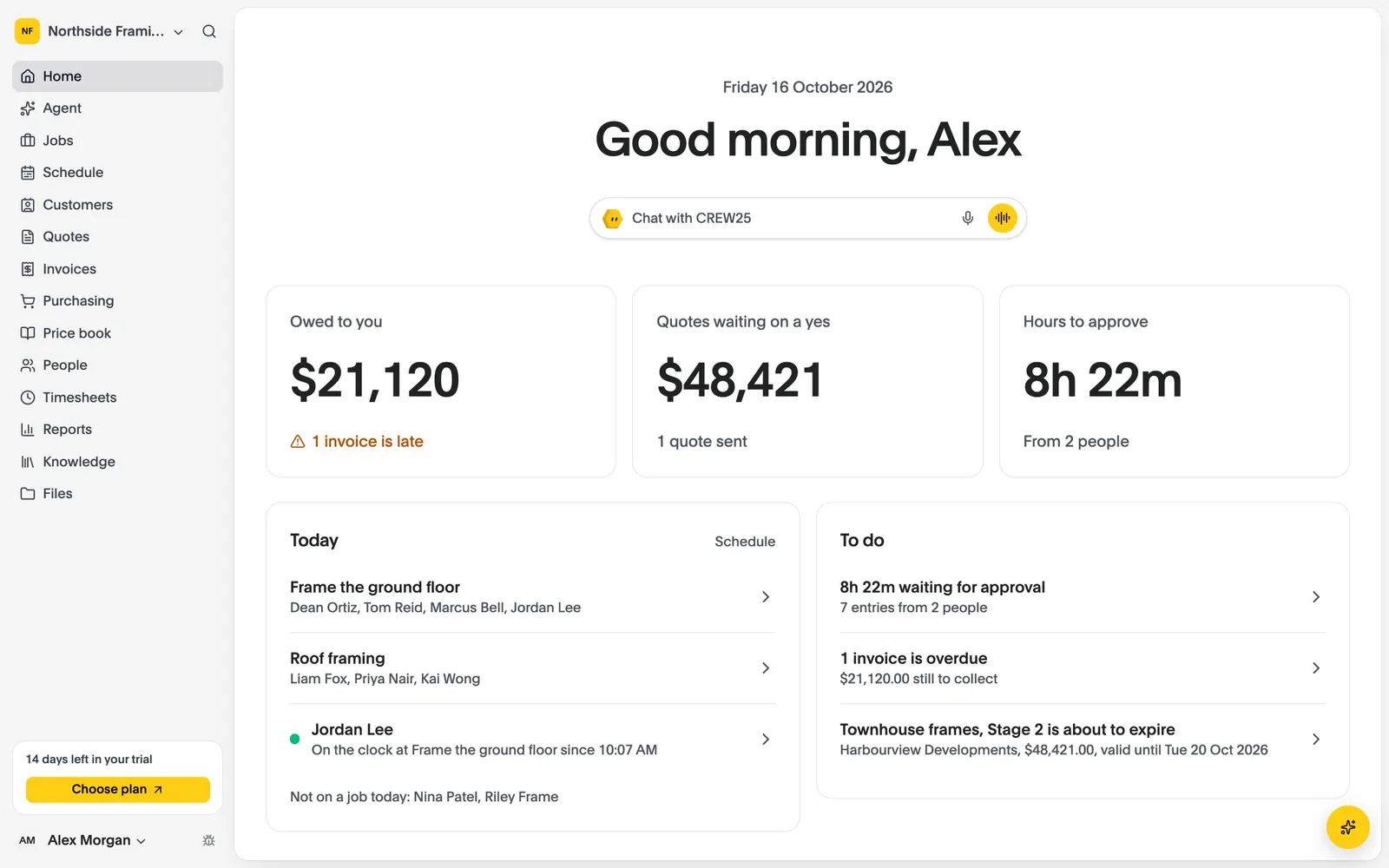
All-in-One Job Management Software for Earthworks Crews

Earthworks job management software for excavation, site prep, trenching and cartage: quote, schedule, track and invoice every earthworks job in one place.

14-day free trial, no credit card required.

Earthworks Software
Earthworks

How CREW25 works for earthworks crews

  1. 01

    A client asks for earthworks

    Requests come in from the booking form on your website, or from an email that lands on the client in CREW25.

    • Online booking on your website
    • Client emails on the job
  2. 02

    Quote by the hour or cubic metre

    Ask CREW25 AI to draft the quote from your machine hire and cubic metre rates in the price book. The client accepts online.

    • Quotes from your price book
    • Online acceptance
    • Automatic quote follow-ups
  3. 03

    Put operators on the machines

    Schedule operators and machines for the days a site needs them, and move the whole job after rain. Everyone is told on their phone.

  4. 04

    Operators clock on from the cab

    Job details, photos and notes on the phone, and operators clock on and off from the job, so machine hours are recorded without a paper docket.

    • Photos and notes
    • Checklists and forms
    • Clock on and off
  5. 05

    Fuel, hire and cartage on the job

    Approved operator hours and supplier bills for fuel, plant hire and trucking land on the job, so you see what each cut really makes.

    • Supplier bills
    • Live job margin
  6. 06

    Invoice and get paid

    Invoice from the job, take card payments online and let payment reminders chase the overdue ones.

    • Card payments
    • Payment reminders
    • Synced with Xero

Popular features for earthworks crews

Quotes & invoices

Quote by the hour or by the cubic metre.

Price from your price book and send an itemised quote the client can accept online.

  • One price book
  • Takeoff import
  • Payment schedules
More about quotes & invoices

Quotes & invoices

  • One price book
  • Takeoff import
  • Payment schedules
Timesheets

Machine hours without the paper docket.

Operators clock on from the phone, the office approves, and the hours cost to the right job.

  • Clock on and off
  • Approve and lock
  • Export for payroll
More about timesheets

Timesheets

  • Clock on and off
  • Approve and lock
  • Export for payroll

Earthworks software questions

Try CREW25 free for 14 days

Set up your business, bring your team and run your next jobs in it. No credit card needed.