Service or project
Do it in one visit, or split it into stages that each carry their own payment, checklist and margin. Recurring jobs repeat themselves.
A service call and a twelve-week project are both a job, with the price, cost to date and margin on one page.
14-day free trial, no credit card required.
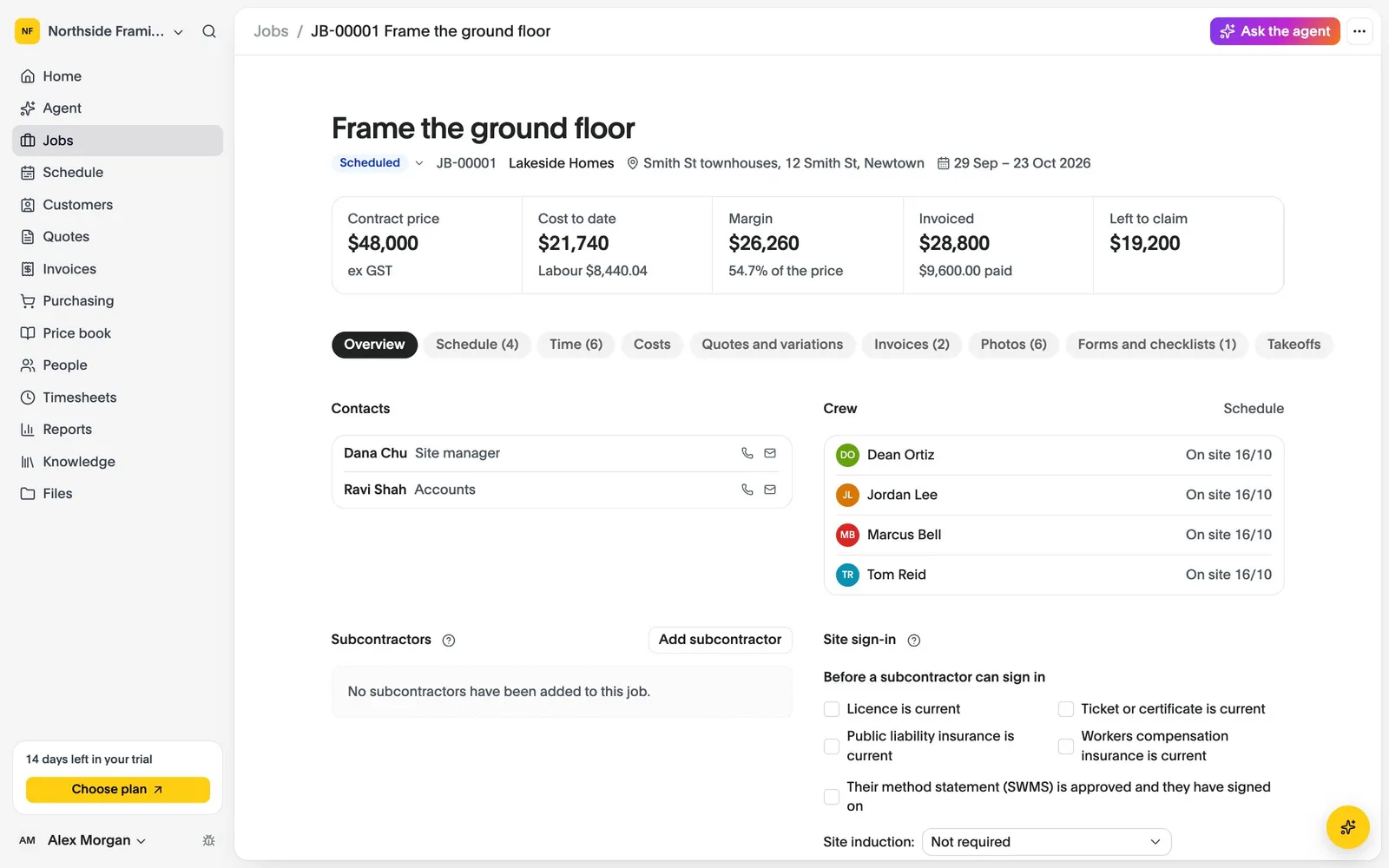
Do it in one visit, or split it into stages that each carry their own payment, checklist and margin. Recurring jobs repeat themselves.
Updates, photos, video, plans, documents, forms, hours, purchase orders and invoices all sit on the job, with a history of who changed what.
Job types, stages and custom fields are yours to name, and the trade you pick at sign-up starts you off with sensible defaults.
Start from an online booking, or add the job yourself. Each booking becomes a job.
Put people on it, and they see it on their phones with the plans, the address and the checklist. Text the customer that you are on the way.
Mark stages done with photos, record variations, and invoice the stage or the whole job.
Last updated October 2026
Set up your business, bring your team and run your next jobs in it. No credit card needed.