Purchase orders
Order from your price book or free lines, delivered to the site or the office. Committed cost shows on the job before the bill arrives.
Raise an order against the job, send it to the supplier and turn what arrives into a bill.
14-day free trial, no credit card required.
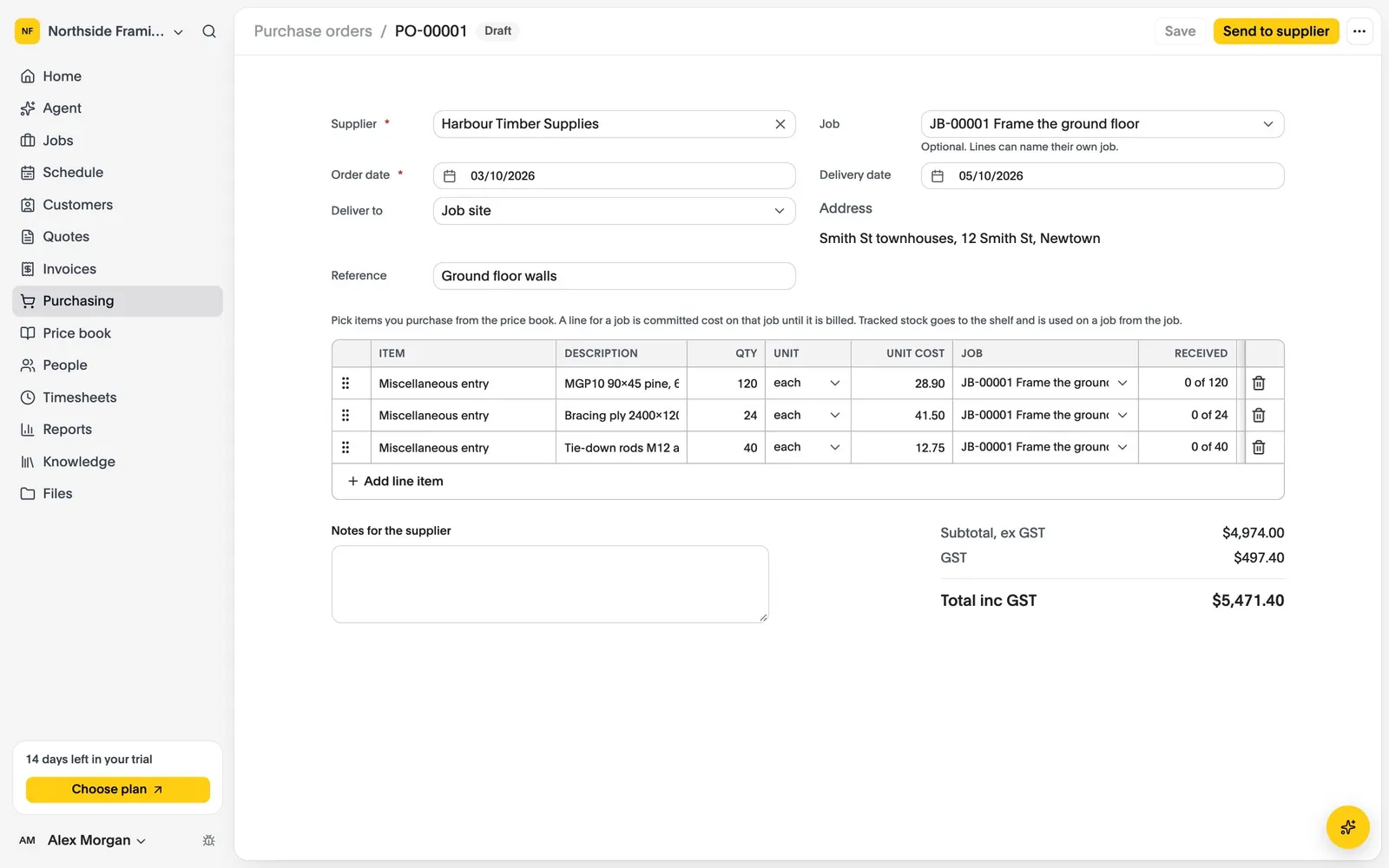
Order from your price book or free lines, delivered to the site or the office. Committed cost shows on the job before the bill arrives.
Bills typed in, made from an order, or read in from Xero, split across jobs and stages line by line.
Track what you keep on hand, use it on jobs at average cost, and see what is below its reorder point.
Raise a purchase order from the job and send it to the supplier.
Record what arrived, to the job or onto the shelf.
Turn the order into a bill in one step. Orders can be sent to Xero too.
Compare what each plan includes on the pricing page.
Last updated October 2026
Set up your business, bring your team and run your next jobs in it. No credit card needed.