By person or by job
A timeline for projects and a day board for service calls, on the same data. Drag, resize and reassign, or do it all from the keyboard.
Every job and every person on one timeline, by day, week or month.
14-day free trial, no credit card required.
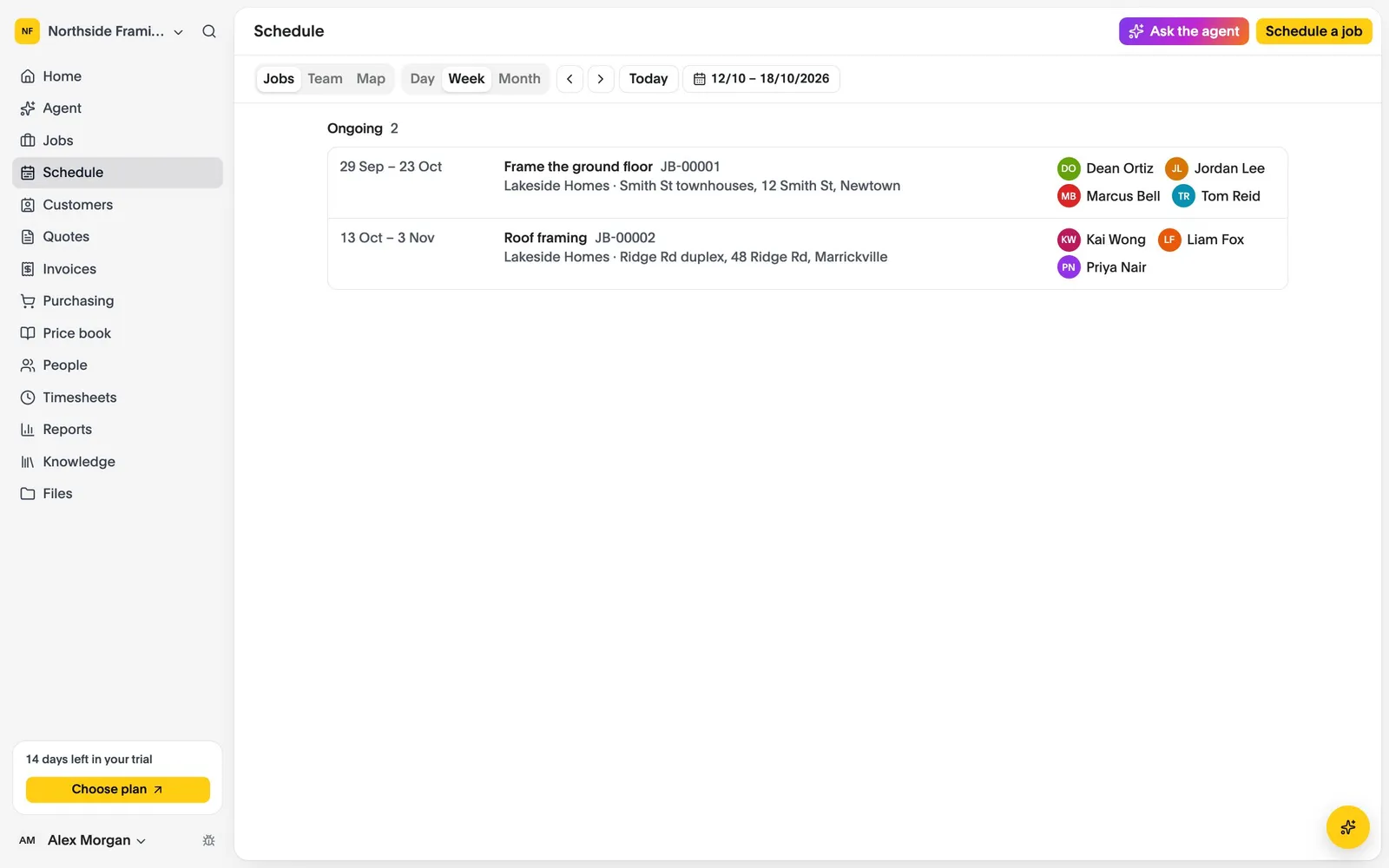
A timeline for projects and a day board for service calls, on the same data. Drag, resize and reassign, or do it all from the keyboard.
People with nothing planned are always visible, any change can be undone, and the working week, closures and time off are shaded in.
Every open job sits on a map at its site, so you can see which are close together before you plan the crew.
Drop a job from the waiting list onto the timeline, and its working days are filled in.
Drag a person or a whole crew onto the job. They see it on their phone straight away, with a reminder before it starts.
Shift the whole job and everyone on it in one step, and record why.
Last updated October 2026
Set up your business, bring your team and run your next jobs in it. No credit card needed.