
Crew or supervisor
Workers clock on and off, or the foreman enters the whole crew’s hours in one go. People without a login are still paid for and still costed.
Today the same hours are typed into a group chat, then into an accounting system, then into a master sheet. CREW25 takes them once, from the person or their supervisor, and everything else reads from there.
Partly available The core of this is in the product today. The lists below say what works and what is still to come.
Workers clock on and off, or the foreman enters the whole crew’s hours in one go. People without a login are still paid for and still costed.
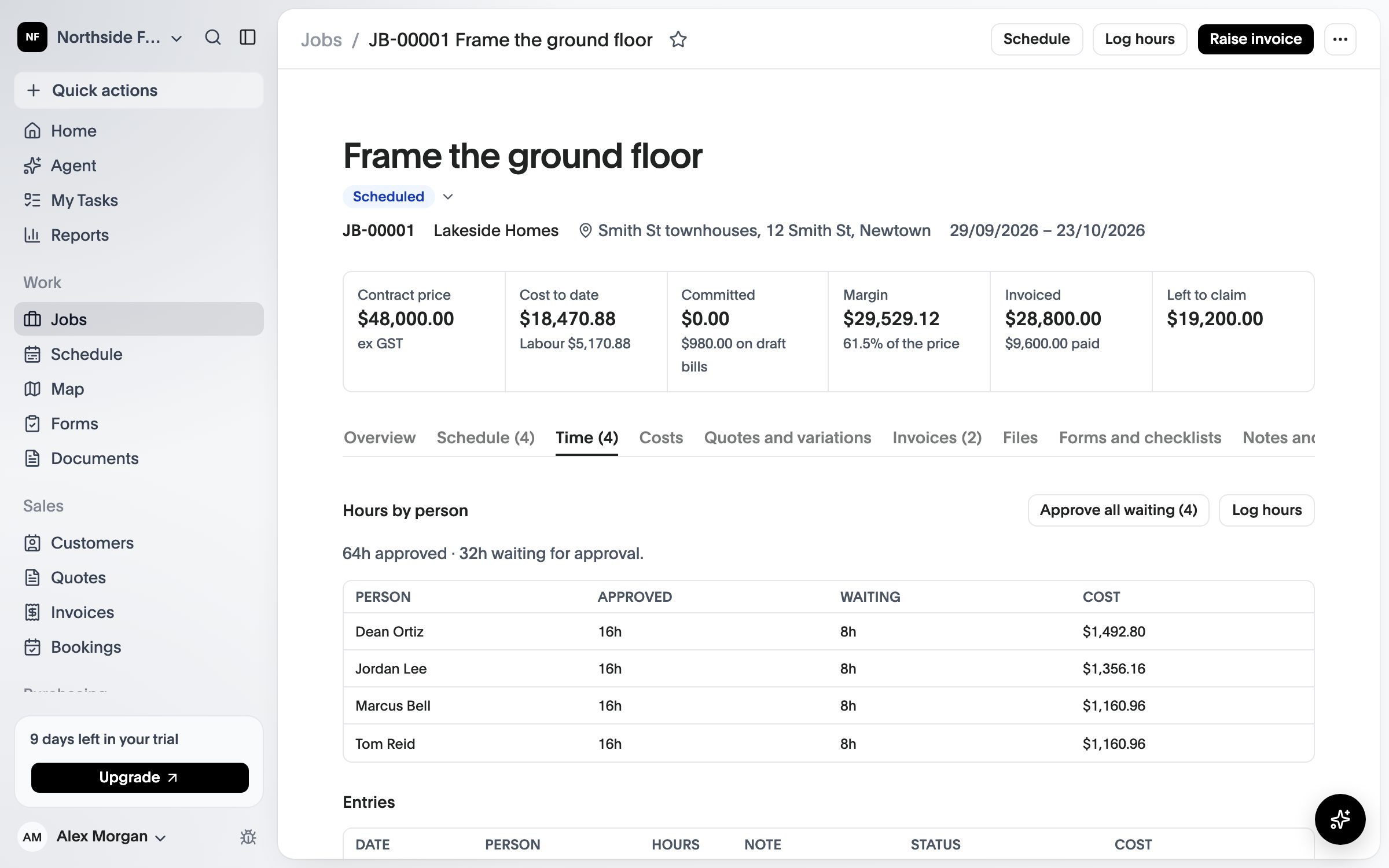
Supervisors and the office approve, and approved hours lock. The version that reaches margin is the approved one.
Each hour is costed at that person’s rate on that date, so a rate change applies from its date, across every job.
Everything in this list is in the product now.
On the phone with a timer or by hand, or by the supervisor for the crew.
A weekly grid for the office and an approval on the phone for the foreman.
Approved hours export to your payroll. CREW25 doesn’t process payroll.