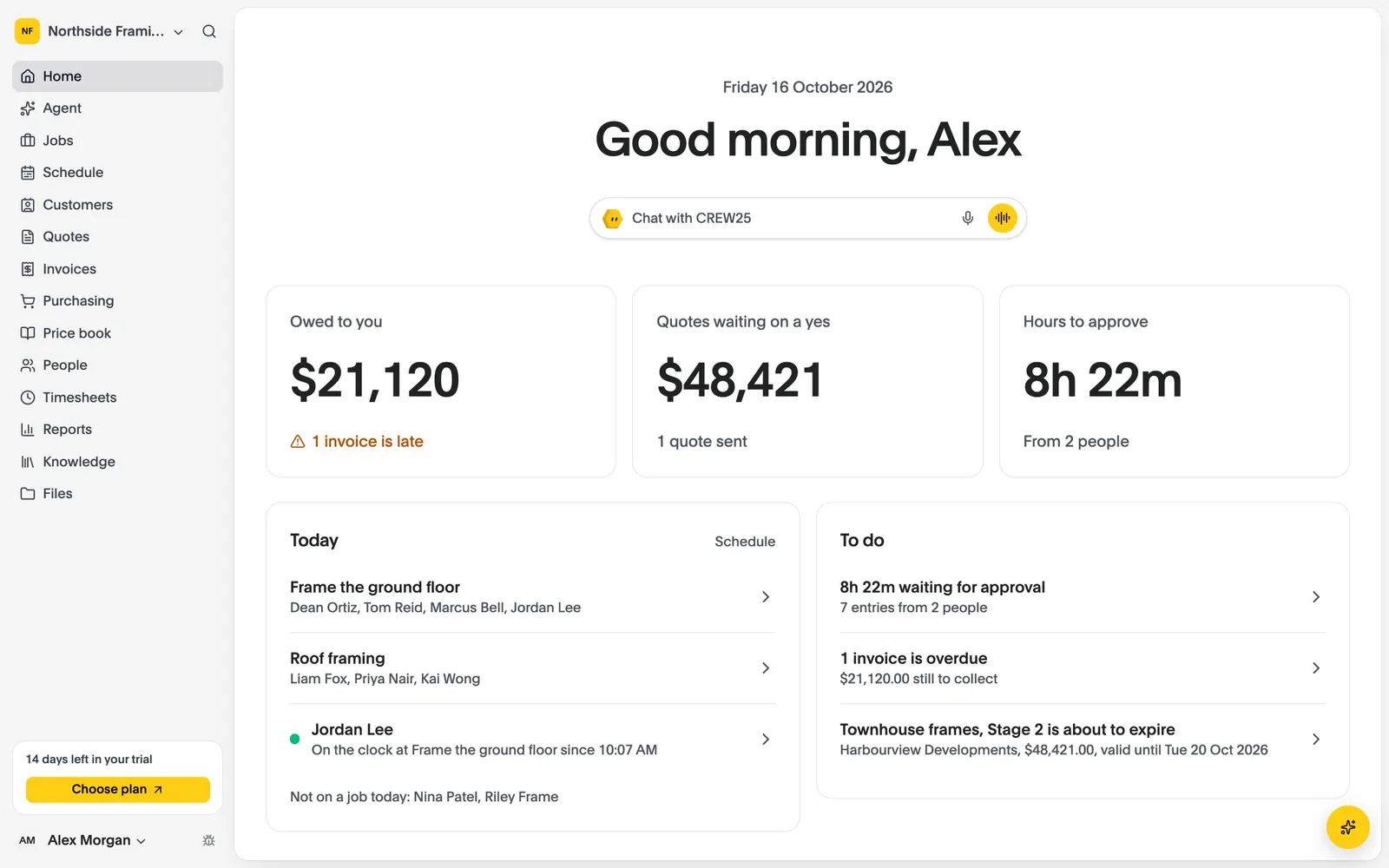
All-in-One Job Management Software for Residential Renovators

Renovation job management software for extensions, alterations and whole-home renovations: quote, schedule, track and invoice every renovation in one place.

14-day free trial, no credit card required.

Renovation Software
Residential renovations

How CREW25 works for residential renovators

  1. 01

    A homeowner asks for a renovation

    Enquiries come in from the booking form on your website, or from an email that lands on the homeowner in CREW25.

    • Online booking on your website
    • Homeowner emails on the job
  2. 02

    Measure and quote by room

    Measure the plans with takeoffs, and ask CREW25 AI to draft the quote from your price book, itemised by room or area. The homeowner accepts online.

    • Plan takeoffs
    • Quotes from your price book
    • Online acceptance
  3. 03

    Book the trades around each other

    Put your carpenter, plumber, electrician and tiler on the timeline in sequence, with the homeowner’s dates in view. Everyone is told on their phone.

  4. 04

    Record what you find on site

    Photos before, during and after, notes on what was behind the wall, and checklists and forms on the phone. The crew clock on and off from the job.

    • Photos and notes
    • Checklists and forms
    • Clock on and off
  5. 05

    Costs land on the job

    Approved hours, purchase orders and supplier bills go on the job, so you see what the renovation is making while the work is still going.

    • Purchase orders
    • Live job margin
  6. 06

    Variations, invoice and paid

    Price the extra work as a variation when the scope changes, invoice from the job, take card payments online and let reminders chase overdue invoices.

    • Variations
    • Card payments
    • Payment reminders
    • Synced with Xero

Popular features for residential renovators

Job management

Stages for strip-out to final clean.

Break a renovation into stages that each carry a checklist and a margin, and tick them off with photos.

  • Stages and variations
  • Photos, plans and documents
  • A full history of changes
More about job management

Job management

  • Stages and variations
  • Photos, plans and documents
  • A full history of changes
Quotes & invoices

Quotes the homeowner can follow.

Itemised by room or area, from one price book, accepted online so the scope is agreed in writing.

  • Takeoff import
  • Payment schedules
  • Branded PDFs
More about quotes & invoices

Quotes & invoices

  • Takeoff import
  • Payment schedules
  • Branded PDFs
Takeoffs

Measure the renovation before you quote.

Measure the plans on the job, price what you measured from your rates, and keep a separate takeoff for each variation.

  • Lengths, areas and counts
  • Deductions for openings
  • A takeoff per variation
More about takeoffs

Takeoffs

  • Lengths, areas and counts
  • Deductions for openings
  • A takeoff per variation

Residential renovations software questions

Try CREW25 free for 14 days

Set up your business, bring your team and run your next jobs in it. No credit card needed.