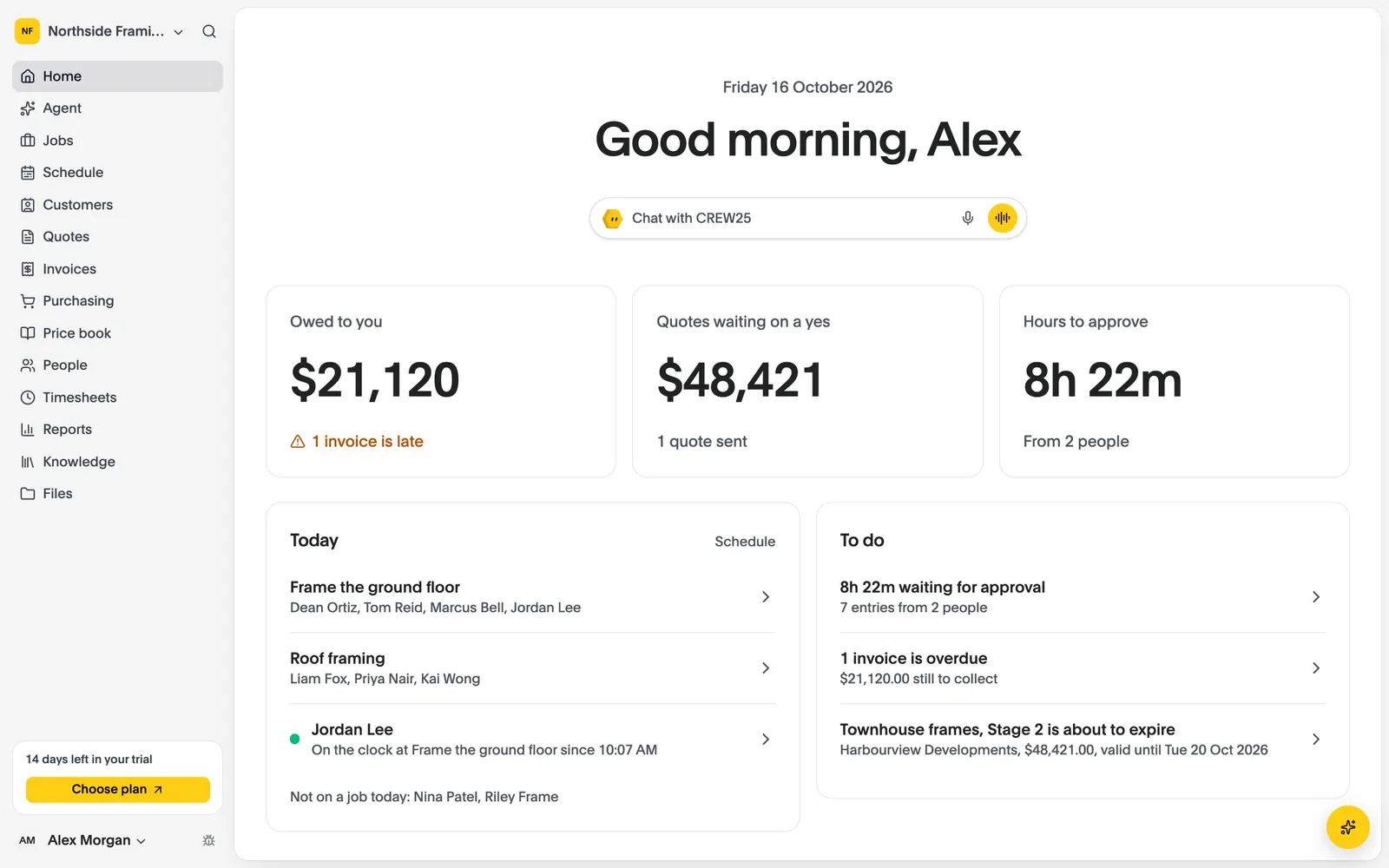
All-in-One Job Management Software for Bathroom Renovators

Bathroom renovation job management software for strip-outs, waterproofing, tiling and fit-offs: quote, schedule, track and invoice every bathroom in one place.

14-day free trial, no credit card required.

Bathroom Reno Software
Bathroom renovations

How CREW25 works for bathroom renovators

  1. 01

    A homeowner asks for a new bathroom

    Enquiries come in from the booking form on your website, or from an email that lands on the homeowner in CREW25.

    • Online booking on your website
    • Homeowner emails on the job
  2. 02

    Quote the bathroom from your price book

    Ask CREW25 AI to draft the quote from your rates, tiles and fixtures, itemised so the homeowner sees where the money goes. They accept online.

    • Quotes from your price book
    • Online acceptance
    • Automatic quote follow-ups
  3. 03

    Sequence the trades

    Put the plumber, waterproofer and tiler on the job in order, and move the lot together if the vanity arrives late. Everyone is told on their phone.

  4. 04

    Waterproofing and photos on site

    The crew fill in the waterproofing checklist with photos of each coat and a signature, even with no signal, and clock on and off from the job.

    • Waterproofing checklists
    • Photos and signatures
    • Clock on and off
  5. 05

    Fixtures and hours on the job

    Purchase orders for the vanity, tapware and tiles, approved hours and supplier bills land on the job, so you see the margin on every bathroom.

    • Purchase orders
    • Live job margin
  6. 06

    Invoice and get paid

    Invoice from the job, take card payments online and let payment reminders chase the overdue ones.

    • Card payments
    • Payment reminders
    • Synced with Xero

Popular features for bathroom renovators

Schedule & map

Book the trades without the phone tag.

Drag the plumber, waterproofer and tiler onto the job in sequence, and move the lot if the vanity is late.

  • Timeline by job
  • Move a whole job in one step
  • Unassigned people visible
More about schedule & map

Schedule & map

  • Timeline by job
  • Move a whole job in one step
  • Unassigned people visible
Forms & site safety

Photos and sign-off on site.

The crew fills in the checklist on the phone, with no signal needed, and the office sees it on the job.

  • Checklists with photos
  • Drawn signatures
  • Updates with photos on every job
More about forms & site safety

Forms & site safety

  • Checklists with photos
  • Drawn signatures
  • Updates with photos on every job

Bathroom renovations software questions

Try CREW25 free for 14 days

Set up your business, bring your team and run your next jobs in it. No credit card needed.