One job for everything.

A service call and a twelve-week framing project are both a job: a customer, a site, a price, the people on it, and everything that happened. Stages and visits are there when you need them and out of the way when you don’t.
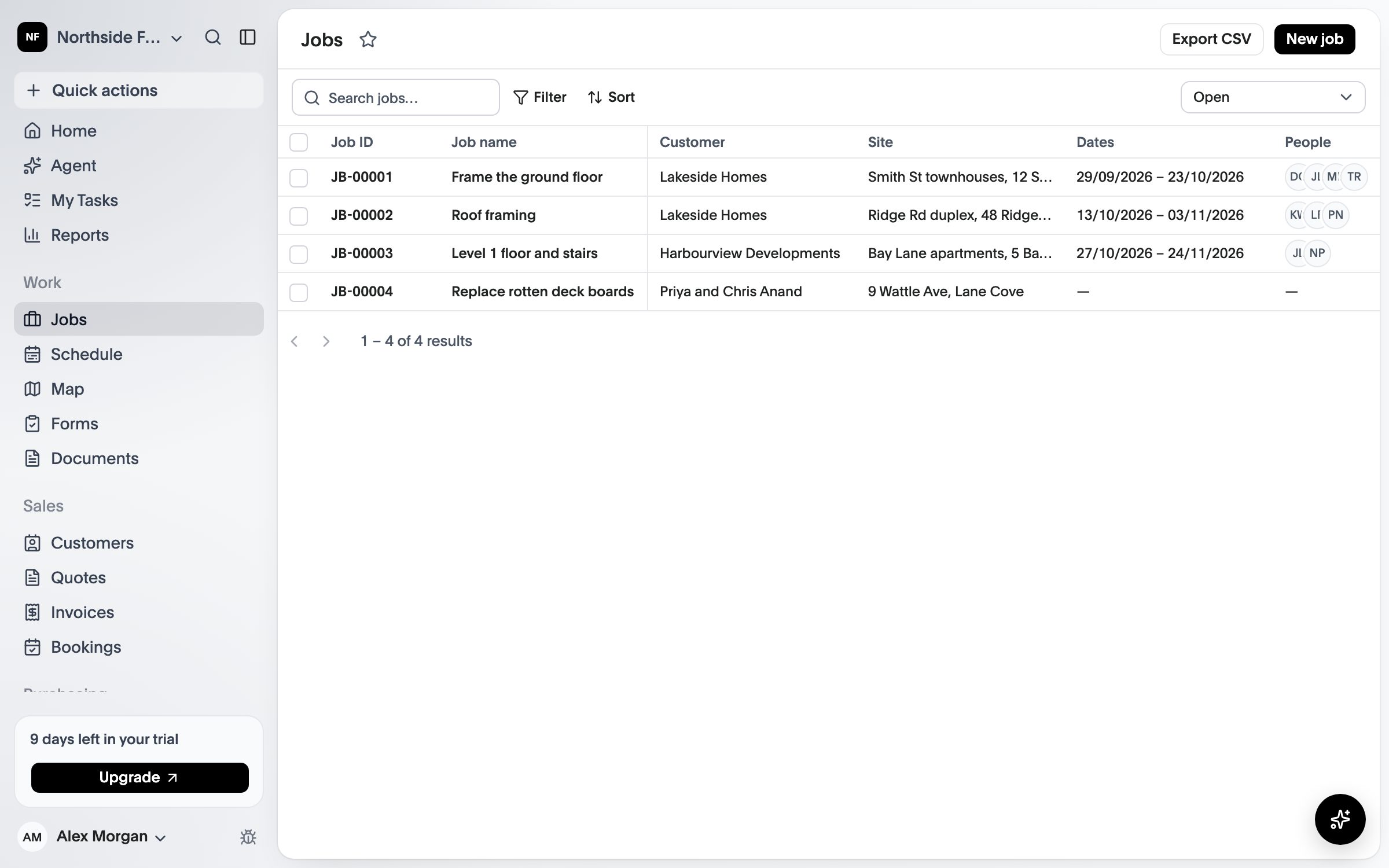
The jobs list with each job’s customer, site, dates, crew and status
Jobs

The job is the unit.

Partly available The core of this is in the product today. The lists below say what works and what is still to come.

01

Service or project

Book a visit and be done, or split a project into stages that each carry their own payment, checklist and margin.

02

Everything on the job

Notes, photos, plans, documents, hours and costs all sit on the job, with a history of who changed what.

03

Your fields, your words

Job types, stages and custom fields are yours to name, and the trade you pick at sign-up starts you off with sensible defaults.

Today

What works today.

Everything in this list is in the product now.

  • Customers and their sites
  • Jobs with running numbers and statuses
  • Notes and a history of who changed what
  • Custom fields on jobs and customers
  • Supervisors and workers see only the jobs they are on
  • Stages that the crew mark done, and payments that fall due when they finish
  • Variations that move the price, and can be billed
  • Photos and documents on every job, taken on the phone
  • A contact at the customer for each job, one tap to call
  • A public enquiry form that lands as a new job
  • Text the customer that you are on the way, or confirm the start
  • Site checklists and method statements the crew sign on to, on the phone
  • A site diary for every job: weather, people, work done and delays

Still to come

  • Visits
  • Video
How it works

From enquiry to done.

  1. Enquiry or quote

    Start from a request or a quote. Either becomes a job the moment it is accepted.

  2. Schedule and do the work

    Put people on it, and they see it on their phones with the plans, the address and the checklist.

  3. Complete and bill

    Finish on site with photos and a signature, then invoice the stage or the whole job.

The jobs list with each job’s customer, site, dates, crew and status
What’s included

What comes with Jobs.

Compare what each plan includes on the pricing page.

  • Job types and optional stages
  • Visits and a full history
  • Photos, video, notes and documents
  • Custom fields on jobs and customers
  • Customer and site records
  • Job numbers you can quote to a customer

See CREW25 in action.

See CREW25 with your own trade, crews and jobs in mind.