Drop in what you have
Staff lists, rate cards and customer spreadsheets. CREW25 AI reads them into your team, customers and price book, and you check everything before it is created.
The AI platform for Australian trades running crews on projects and service calls, on one plan.
14-day free trial, no credit card required.
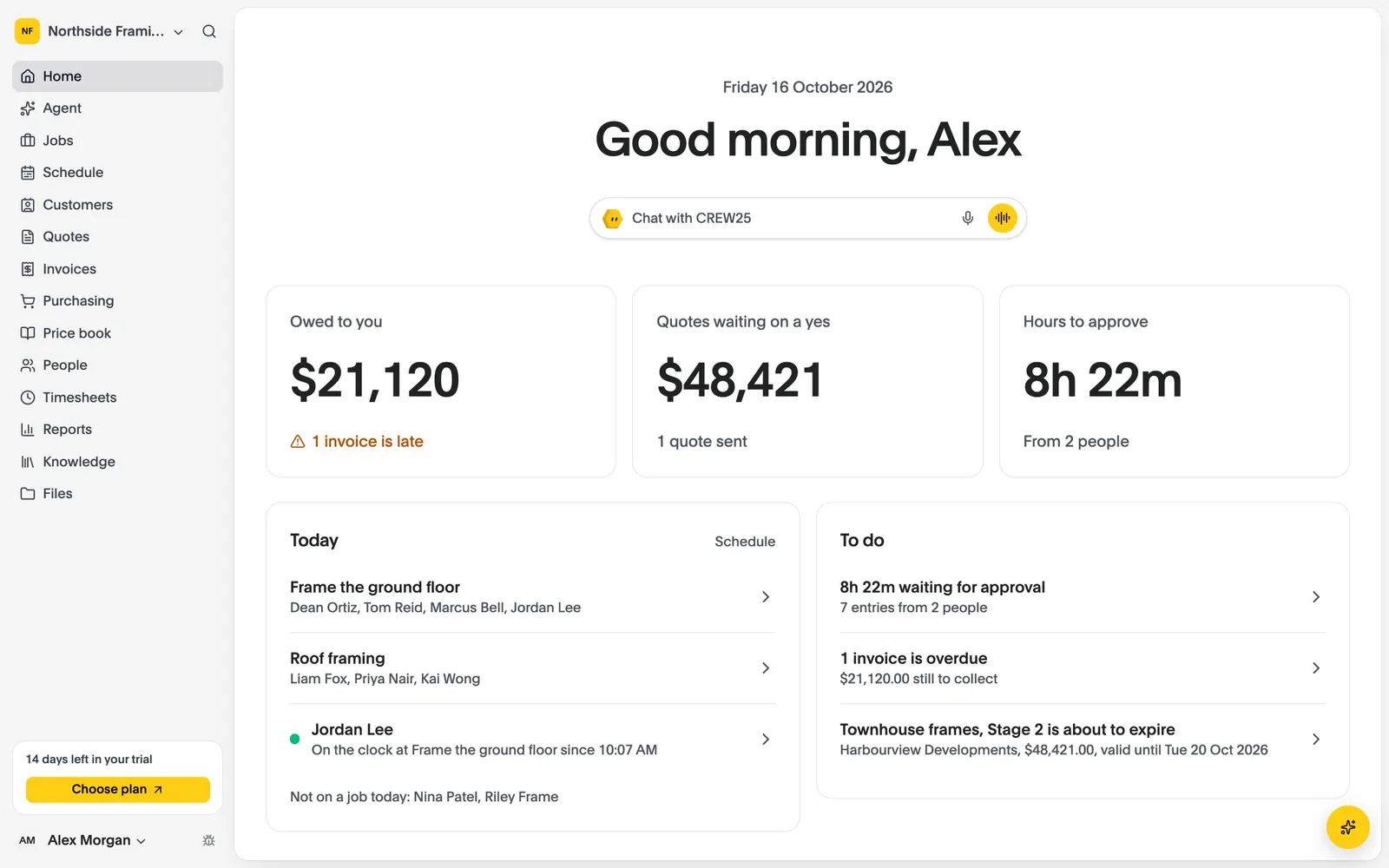
Ask in plain words, typed or spoken. It works from your own jobs, schedule, hours and price book, and checks with you before it changes anything.
Ask for today’s jobs, what’s overdue, a quote or the week’s hours. Anything important, it checks with you first.
Say the job on site and CREW25 AI drafts the quote from your own price book, ready for you to check and send.
Labour is costed as hours are approved, so a job running over shows while there’s still time for a variation.
Reminders go out until the invoice is paid, and payments come back from Xero and card payments by themselves.
Last updated: October 2026, from Jobber’s own pages.
| Feature | CREW25 | Jobber |
|---|---|---|
| What it is | The AI job management platform, for projects and service calls. | A home service platform for booking, quoting, scheduling and client follow-up. |
| Pricing | One plan with every feature: A$79 a user a month billed annually, or A$99 month to month. Only users who accept an invitation are billed, and subcontractors are always free. 14-day free trial. | Core, Connect, Grow and Plus, from US$29 to US$529 a month on annual billing; extra users US$29. Shown in US dollars on its Australian site. |
| AI | CREW25 AI, included in the plan, that sets you up from your files, answers from your records, drafts quotes and approves hours when you ask. | An AI receptionist that answers calls and texts, included on Plus or US$29 a month as an add-on; AI-written campaigns and review replies. |
| Job costing | Margin after overheads and on-costs on every job, included. | On Grow and above. |
| Projects | Tasks, variations, a crew timeline months ahead and progress claims. | Built around visits and recurring work; crew scheduling on Plus. |
| Client follow-up | Payment reminders chase invoices for you. | Automated quote and invoice follow-ups from Connect, plus a client hub. |
| Accounting | Two-way Xero sync, and hours to Xero Payroll. MYOB and QuickBooks planned. | QuickBooks Online from Connect; Xero sync is one way. |
Jobber’s prices are in US dollars, and plans step up by team size and by feature.
CREW25 is one plan with every feature, priced per user, and only users who accept an invitation are billed.
YouWhich jobs are losing money this month?
CREW25 AITwo jobs are under 10% margin after overheads: Harbour St deck at 6%, with 18 hours over the estimate, and Lee bathroom at 8%, with 6 hours waiting for approval.
Home service work is a visit, an invoice and a follow-up. A build runs for weeks, across stages and people.
CREW25 plans crews on one timeline and tells you what else someone is on before you book them.
YouPut Jake and Sam on the Smith job Thursday and Friday.
CREW25 AIJake is free both days. Sam is on Harbour St on Thursday morning. Put them both on Smith for Thursday and Friday anyway?
Staff lists, rate cards and customer spreadsheets. CREW25 AI reads them into your team, customers and price book, and you check everything before it is created.
Connect Xero and your customers, suppliers and price book come across, then stay in step both ways.
Run one crew or one job alongside your current system, then move the rest. Job and quote history is not imported.
Sources: Jobber pricing, Jobber features, Jobber and Xero integration. Prices and features change; check them before you decide.
Start a free trial, drop in your own spreadsheets and CREW25 AI sets up your team, customers and price book. Then run your jobs in it with your crew for 14 days.